



| Brand | G.Skill |
|---|---|
| Series | Trident Z Neo Series |
| Storage Capacity | 32GB (2 x 16GB) |
| Computer Memory Type | 288-Pin PC RAM |
| Memory Speed | DDR4 3600 (PC4 28800) |
| CAS Latency | 18 |
| Voltage | 1.35 Volts |
| Chipset Brand | Intel XMP 2.0 |
| LED Color | RGB |
| Product Dimensions | 5.31 x 0.31 x 1.73 inches |
| Weight | 5.3 ounces |
| General | ||||||||||||
|---|---|---|---|---|---|---|---|---|---|---|---|---|
|
||||||||||||
| Memory | ||||||||||||
|
||||||||||||
| Specification | ||||||||||||
|
||||||||||||
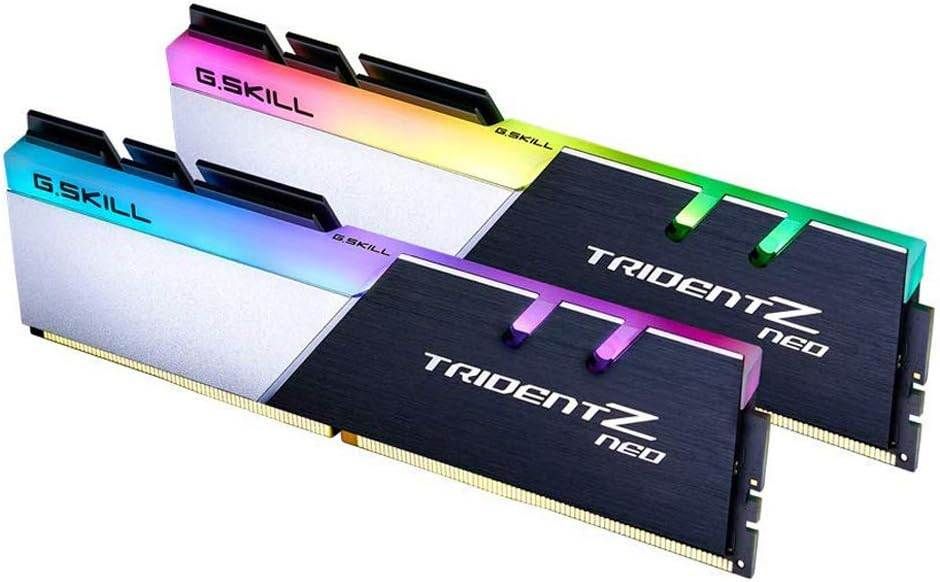
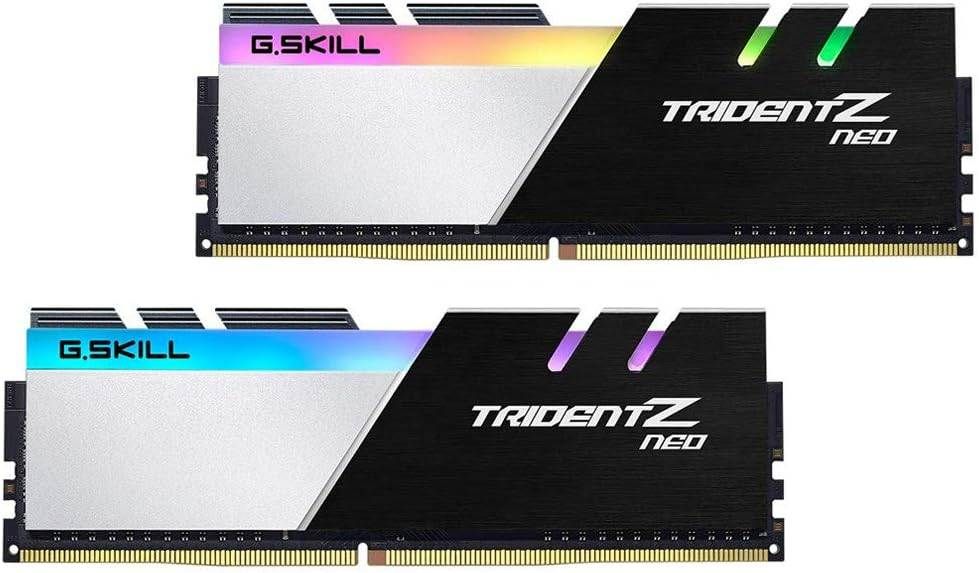
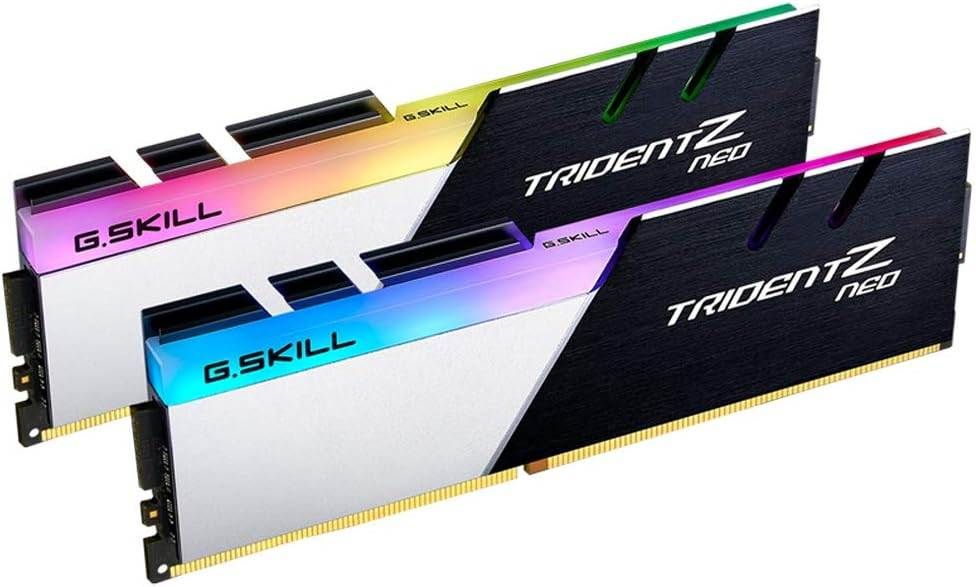
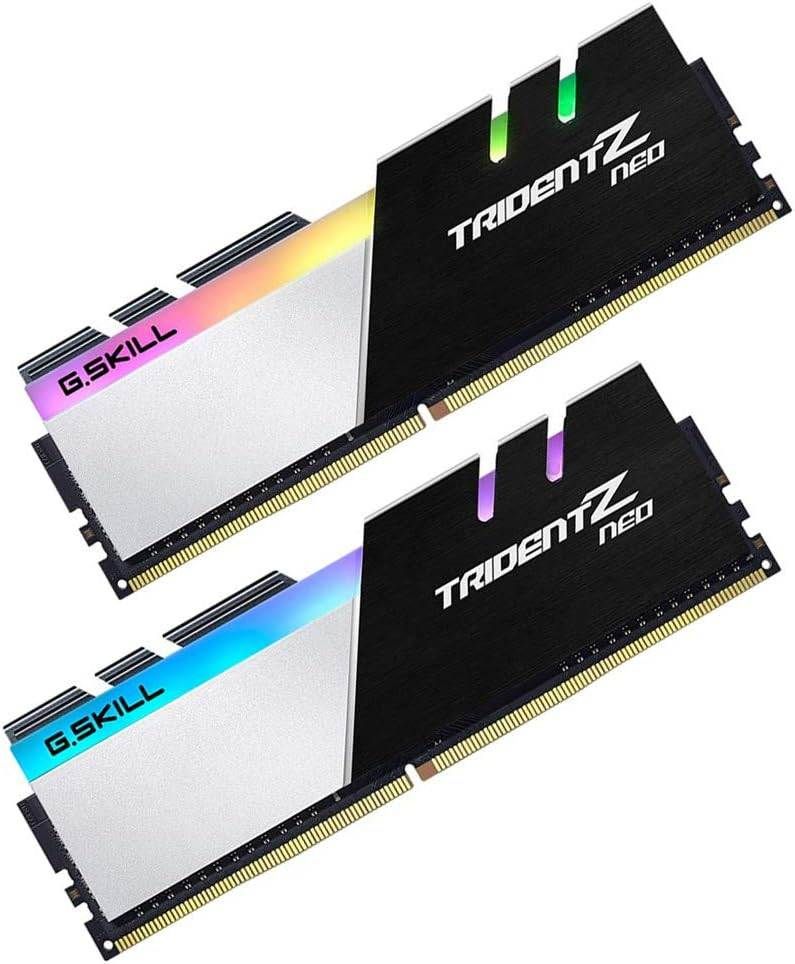
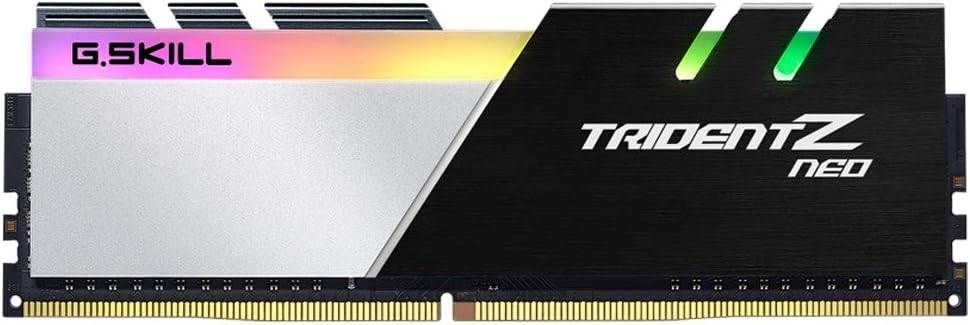
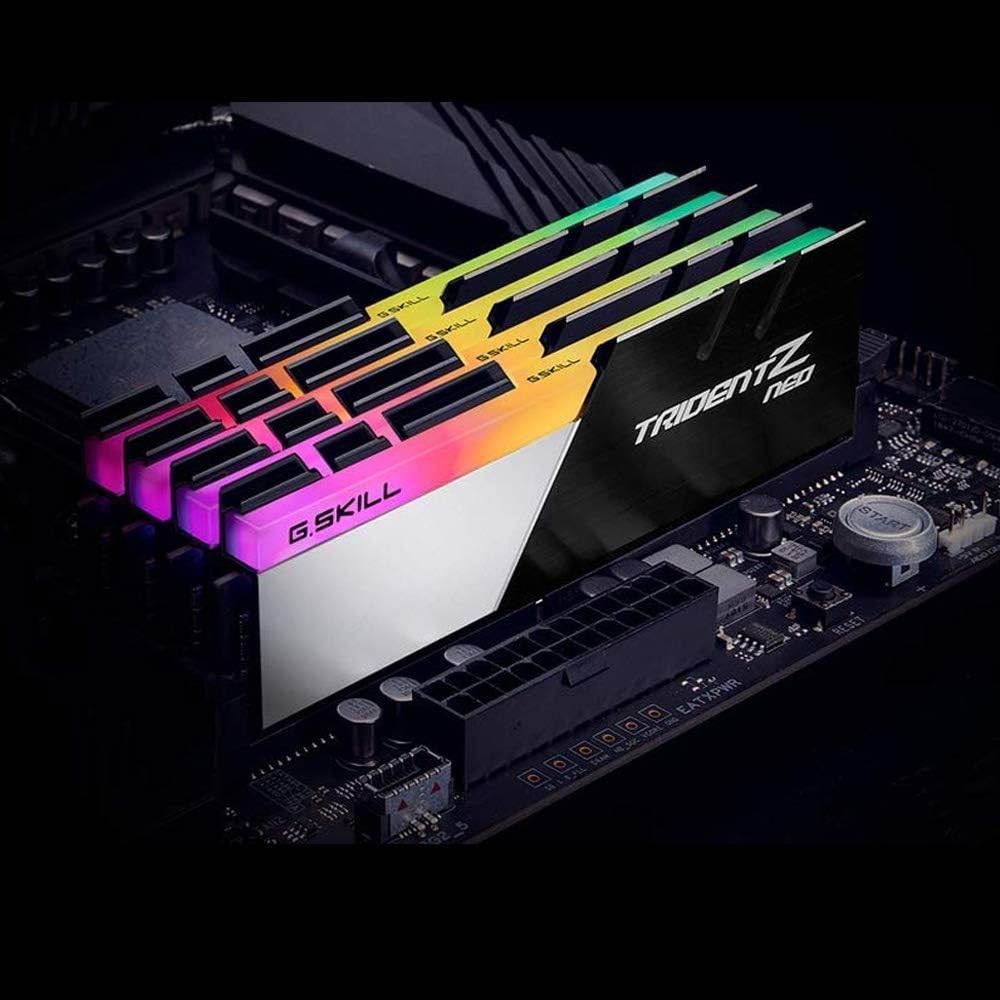
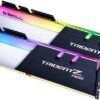
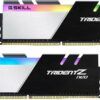
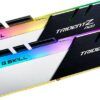
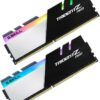
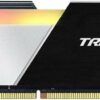
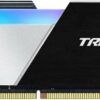
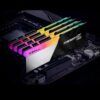
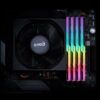
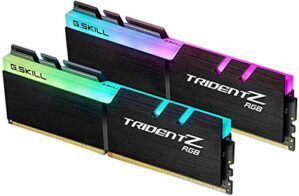
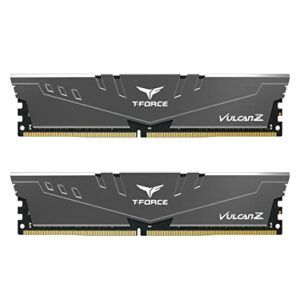
Engineered and optimized for AMD Ryzen platforms, Trident Z Neo brings unparalleled DRAM memory performance and vibrant RGB lighting to PCs and workstations based on AMD Ryzen CPUs and AMD DDR4 motherboards. Designed with a contrast of black brushed aluminum and powder-coated silver, the Trident Z Neo dual-toned heatspreader adds power and boldness to your AMD build. Inspired by the racing stripes of sports cars and supercars, Trident Z Neo features a beveled edge along the top of the signature tri-fin design with the asymmetrical slant to achieve a sleek and clean look. Crafted with hand-screened memory ICs and custom 10-layer PCBs, each Trident Z Neo memory kit is made for oustanding memory performance. Fully control and customize the 8-zone RGB lighting through the downloadable Trident Z Lighting Control software.
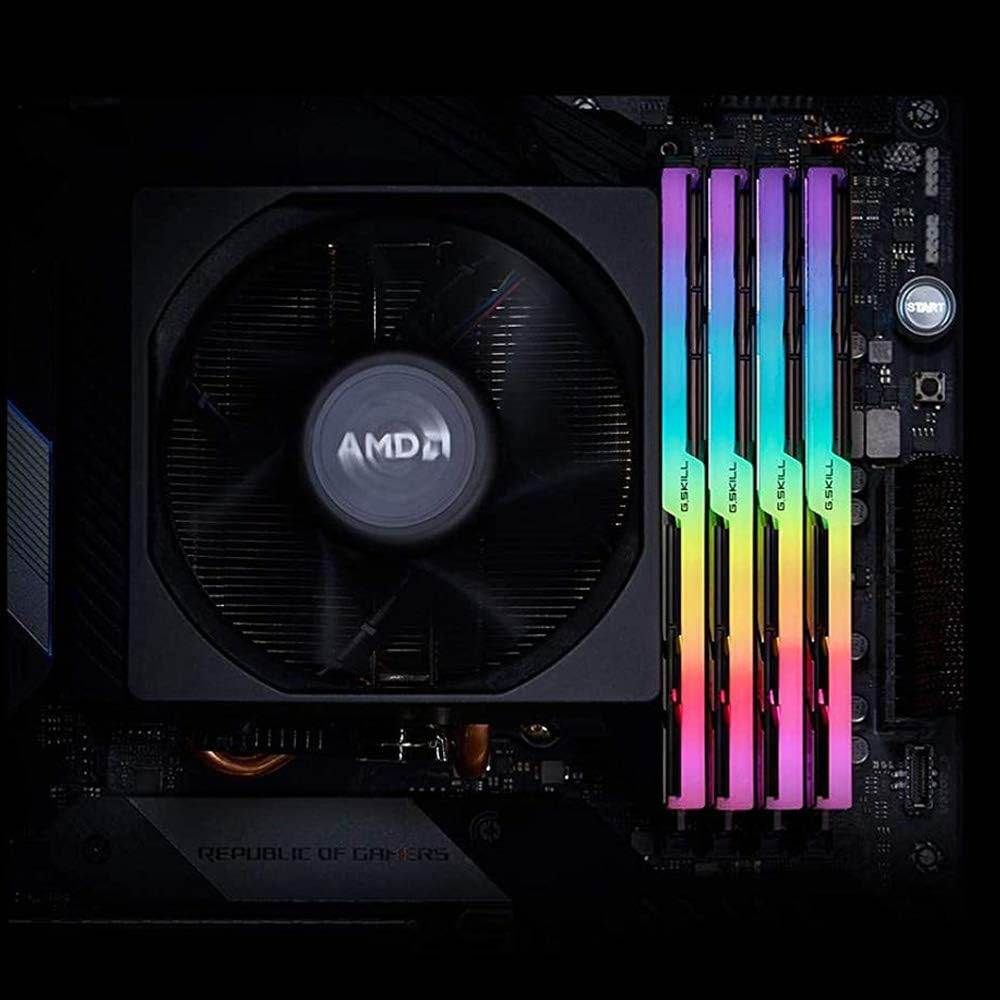
Engineered and optimized for AMD Ryzen platforms, Trident Z Neo brings unparalleled DRAM memory performance and vibrant RGB lighting to PCs and workstations based on AMD Ryzen CPUs and AMD DDR4 motherboards.
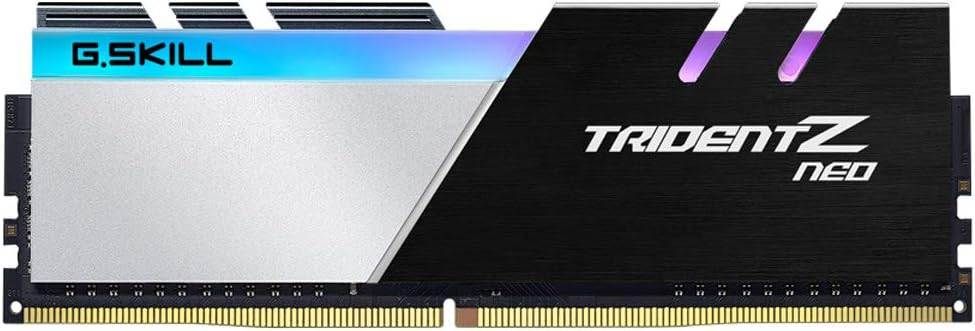
Designed with a contrast of black brushed aluminum and powder-coated silver, the Trident Z Neo dual-toned heatspreader adds power and boldness to your AMD build.
Inspired by the racing stripes of sports cars and supercars, Trident Z Neo features a beveled edge along the top of the signature tri-fin design with the asymmetrical slant to achieve a sleek and clean look.
Crafted with hand-screened memory ICs and custom 10-layer PCBs, each Trident Z Neo memory kit is made for oustandingmemory performance. Fully control and customize the 8-zone RGB lighting through the downloadable Trident Z Lighting Control software.












![[4 Pack] JOTO Cable Management Sleeve, 19-20 Inch Cord Organizer System with Zipper for TV Computer Office Home Entertainment, Flexible Cable Sleeve Wrap Cover Wire Hider System -Black](https://6aad6a55.flyingcdn.com/wp-content/uploads/2023/02/4-pack-joto-cable-management-sleeve-19-20-inch-cord-organizer-system-with-300x292.jpg)















©2023 - Bizgamers.com. All rights reserved.
©2023 - Bizgamers.com. All rights reserved.











![[Gigastone] 512GB Micro SD Card, Gaming Plus, MicroSDXC Memory Card for Nintendo-Switch, Wyze, GoPro, Dash Cam, Security Camera, 4K Video Recording, UHS-I A1 U3 V30 C10, up to 100MB/s, with Adapter](https://6aad6a55.flyingcdn.com/wp-content/uploads/2023/08/gigastone-512gb-micro-sd-card-gaming-plus-microsdxc-memory-card-for-300x300.jpg)



Callie Driver –
These were a nice upgrade, going from some Team Groups.They are pretty fast with the auto xmp over clock my motherboard gave them. Pretty much saving me a bit of money seeing how tight the timings got. And the system is completely stable to boot.Have these paired with a 5700x
Ohana –
I love the pretty colors (not that I care for them over price-point). I originally bought 2 sticks for 32gb a couple years ago, and recently bought 2 more sticks to upgrade my system to 64GB. Setting up the first 2 sticks was a little confusing just because I did not understand the “profiles” thing in my BIOS. When I got the extra 2 sticks though, no additional setup was needed, so it was seamless.
Ohana –
Running these under my WraithRipper since the Corsair Rams didn’t fit. These fit perfect underneath the cooler and with 128GB of RAM they perform well. I love it and the Looks are amazing. There is also easy to use software for lighting controls. Love it.